
musebridge

Industrial AI systems integration

Pilot one workflow. Measure the impact.

Help engineers find the right revision, spot missing information, and prepare drafts. Use your existing CAD tools and review process to verify quality and time saved.

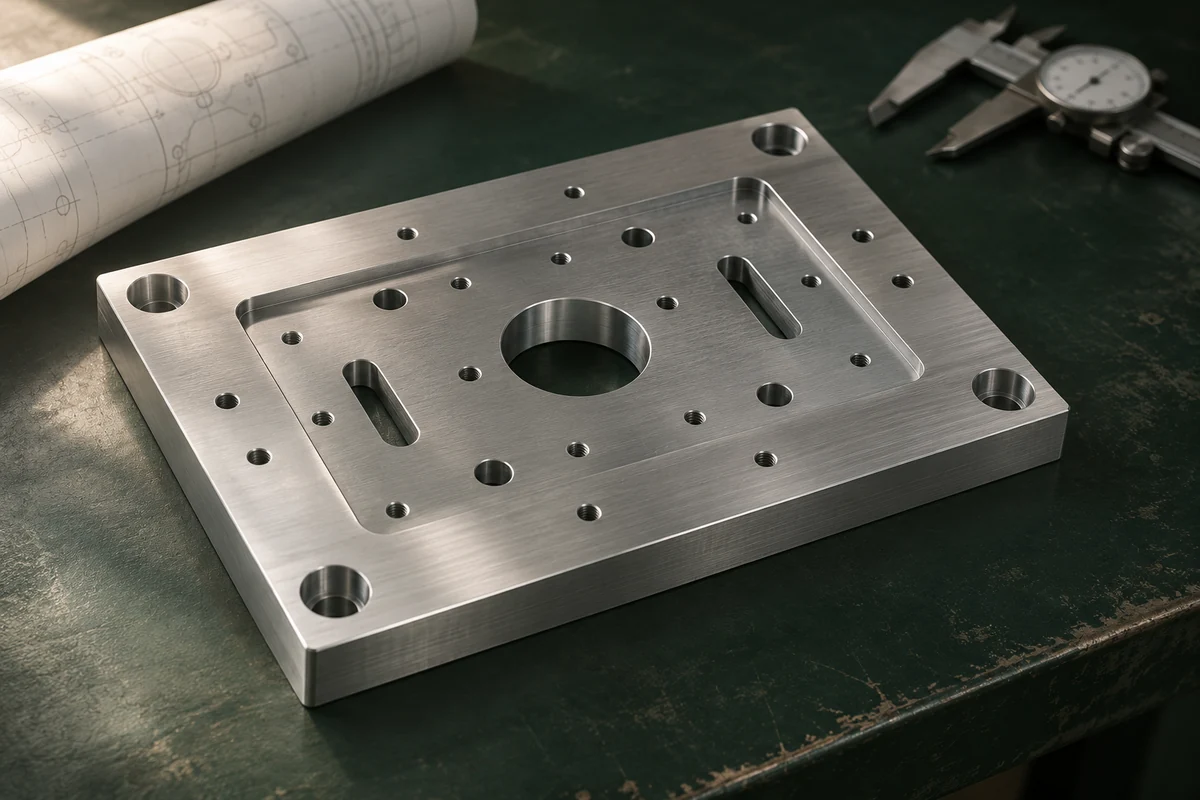
A machined fixture plate alongside an engineering drawing
Equipment manufacturing illustration

How it fits into your workflow

Each step has a clear owner, from approved files to engineering sign-off.

  1. Document ownerConfirm the sourceApprove the source files and revision
  2. AI workspaceCheck for gapsCite evidence and flag missing information
  3. EngineerUse your CAD toolsPrepare a draft in the existing environment
  4. ReviewerReview and archiveSign off, keep revisions, and record time

Three pilot scenarios

See how a task would work

These examples illustrate the proposed workflow. Your engineering team validates formal deliverables in its own software.

Mechanical design

Change one hole spacing and release an approved drawing.

For teams that reuse CAD templates and regularly make design variants.

  1. Confirm the source revisionCheck the drawing number, revision, and release record. Request any missing evidence.
  2. Update and rebuild in CADChange an approved parameter in a working copy, rebuild the assembly, and verify the output.
  3. Review and archiveCheck dimensions, hole positions, tolerances, and interference before releasing the drawing.

Who it’s for

Repeatable tasks.
Clear acceptance criteria.

Start with one set of approved files, one owner, and one kind of deliverable. A shared folder can support a read-only first step.

Equipment makers and custom automation
Reduce time spent looking up drawings and preparing recurring design changes.
Electrical and control panel builders
Check whether terminals, wiring drawings, and bills of materials agree.
Sheet metal and component manufacturers
Review recurring drawing changes, hole positions, and flat patterns for one part family.
Multi-site process, quality, and service teams
Find approved procedures, manuals, and checklists across sites.

Get ready for a pilot Confirm which files are approved, who signs off, and how often the work repeats. These three facts make a pilot measurable.

Time savings calculator

Count review and rework, too

Use the same acceptance standard for both workflows. Include time spent finding files, completing the task, reviewing, reworking, and handing exceptions back to a person.

Illustrative inputs · replace with your numbers

Estimated monthly labor saved

25hours

27.8% less labor per task

The estimate uses average labor time. A real pilot also tracks median time, first-pass approval, and rework.

Delivery and acceptance

Decide at the end of each phase

  1. Scoping and validation

    Run one task

    Check the files, permissions, workstation, and sample. Record the current labor baseline and agree on acceptance criteria.

  2. Department pilot

    Connect one workflow

    Deliver the workspace, review steps, and archive. Use comparable tasks to verify labor time, quality, and permissions.

  3. Expansion

    Repeat with the next team

    Hand over the workflow template, test samples, and operating instructions. Agree on the next team’s scope and owners before rollout.

Integration details for IT and engineering

Use an approved file library or controlled export. The workspace checks role and project permissions, and AI reads only approved material. Engineering actions run on an authorized workstation. Model logs, exports, and approval records follow your policies. Confidential commercial data, sales pipelines, purchasing decisions, and customer relationship data are outside the initial pilot scope.

Pilot assessment

Bring one recurring task.

Tell us which tools you use, how often the task comes up, and who signs off. We’ll work with you to determine whether it’s a good pilot.

Email MuseBridge
中文版本